New Zerion API Docs: Recipes, Quickstarts, and AI Tooling
Zerion API got the new documentation, complete with recipes, guides, and AI tooling details.

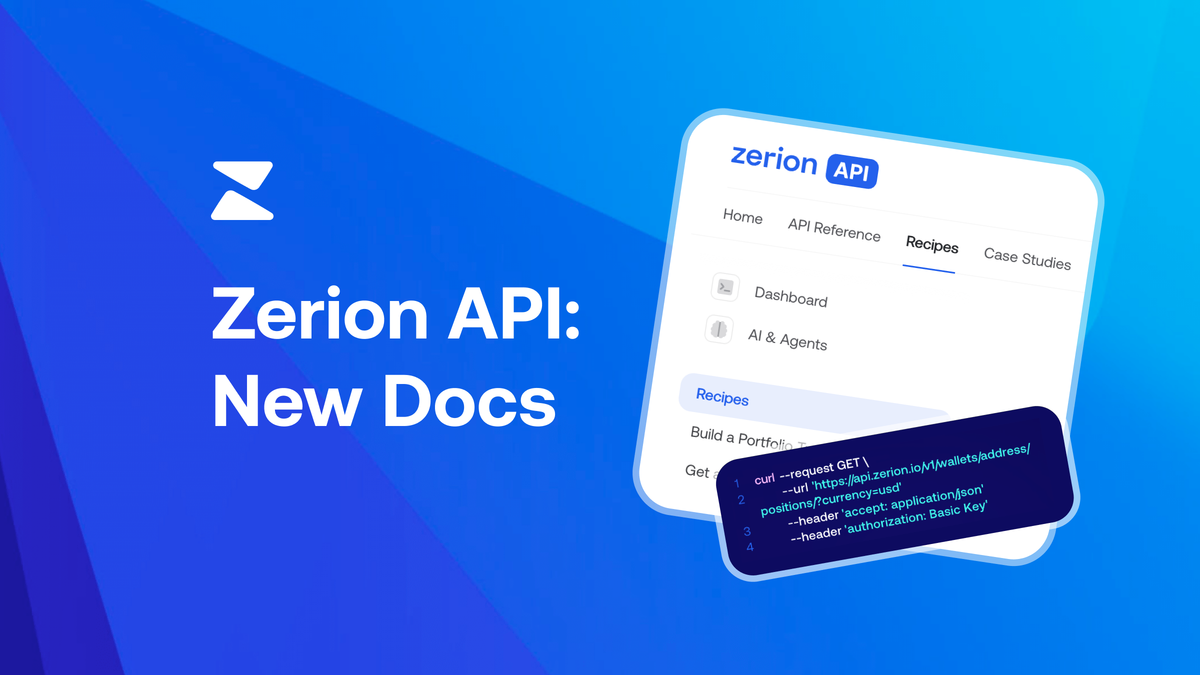
The Zerion API documentation has been rebuilt from scratch. The new docs site replaces the previous reference-only format with structured guides, working code examples, and dedicated sections for AI agent builders.
The docs now start from use cases and walk you through real integrations step by step.
What changed
The previous docs were organized around a list of Zerion API endpoints.
Authentication, REST methods, and a brief "Build with AI" section. It was useful if you already knew what you were looking for, but not much help if you were starting a new project.
The new docs are structured around several layers:
- A quickstart to get your first request working in minutes,
- A set of recipes for common use cases,
- A core concepts section that covers pagination, rate limits, webhooks, and error handling in dedicated pages,
- Detailed API reference for each endpoint.
Recipes: start from the use case
The biggest addition is a recipes section with seven task-focused guides.
Each recipe combines multiple endpoints to solve a specific problem, with working code in JavaScript and Python.
The recipes cover the most common integration patterns:
- Build a Portfolio Tracker. Fetch wallet value, list token holdings, aggregate multiple wallets, and chart performance over time.
- Get a Wallet's Transaction History. Parsed, human-readable transactions with filters by type, chain, and date range.
- Set Up Wallet Activity Alerts. Configure webhooks for real-time notifications without polling.
- Build a Wallet PnL Tracker. Realized gains, unrealized gains, cost basis, and per-token performance.
- Get a Wallet's DeFi Positions. Lending, staking, and liquidity positions across protocols in one call.
- Build an NFT Portfolio Viewer. Holdings grouped by collection with floor prices and chain breakdown.
- Build an AI Agent with Onchain Data. Wire Zerion API tools into an agent loop with examples for OpenAI, Anthropic, LangChain, and Vercel AI SDK.
Each recipe starts with what you're building, lists prerequisites, then walks through the implementation. There is no filler, just the code and context you need.
Quickstart: first request in under 5 minutes
The new quickstart page replaces the old "Getting Started" section with a guided flow.
It walks through the steps:
- Get your API key from the dashboard,
- Test a request directly in the docs using the built-in playground,
- Make a request from your own code (with examples in cURL, JavaScript, Python, and Go)
- Understand the JSON response format.
The quickstart also links out to popular entry points (wallet data, transactions, DeFi positions) so you can jump straight to the endpoint you need.
Core concepts: the pages that were missing
Several topics that previously required digging through FAQs or endpoint descriptions now have dedicated pages:
- Pagination & Filtering. Pagination explained with iteration examples, plus the
filter[field]syntax and sorting options. - Rate Limits. Response headers broken down, retry logic with code examples, and tips for staying under your quota.
- Webhooks. The full lifecycle from subscription creation to payload handling, including signature verification, retry behavior, rollback handling, and delivery guarantees.
- Pricing. Plan details and cost estimation in one place.
- Error Handling. Error codes and response formats with guidance on how to handle each.
These pages make it possible to understand the API's behavior without trial and error.
Build with AI: CLI, x402, and MCP
The old docs had a brief "Build with AI" page. The new docs expand this into a full section with three integration paths:
Zerion CLI is an open-source command-line tool that wraps the API. Any AI agent that can run shell commands can query wallets, tokens, and chains without writing HTTP integration code.
x402 Payments let AI agents pay for API access per-request using USDC on Base, no API key or subscription needed. The docs explain the payment handshake flow and link to the Coinbase x402 SDK for Go, TypeScript, and Python.
MCP Server connects AI tools like Claude Code, Cursor, and VS Code to the Zerion docs and OpenAPI spec via Model Context Protocol. Once connected, your AI assistant can search the full documentation while generating code. The docs include setup instructions for each tool.
Try it
If you're building with the Zerion API, start with the quickstart or jump straight into a recipe.
Create free API keys from the Zerion Dashboard.