Zerion for iOS, Mac and iPad with iCloud Sync
All your wallet data, every Apple device 🚀
 Vladimir Shamanov
1 min read
Vladimir Shamanov
1 min read
All your wallet data, every Apple device 🚀
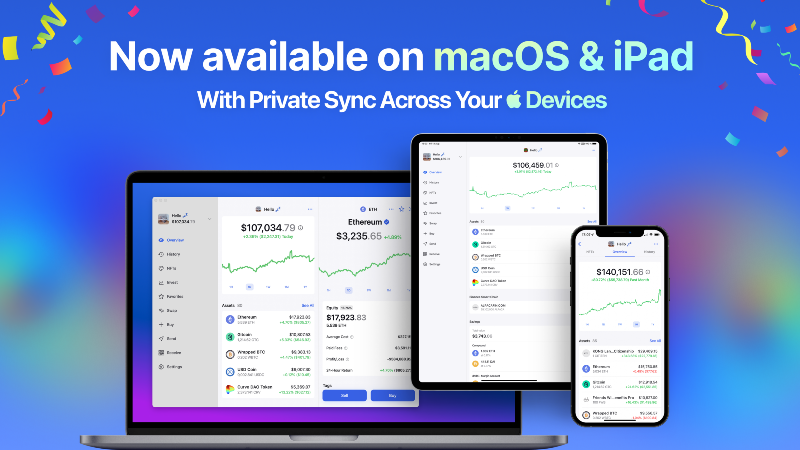
Zerion is now available on macOS and iPad making it easier to manage your DeFi portfolio from the devices you love.
The new Zerion macOS app offers the same functionality as our web version in a more convenient desktop format. We’ve also updated our design in the desktop app to allow you to track assets alongside your portfolio overview.
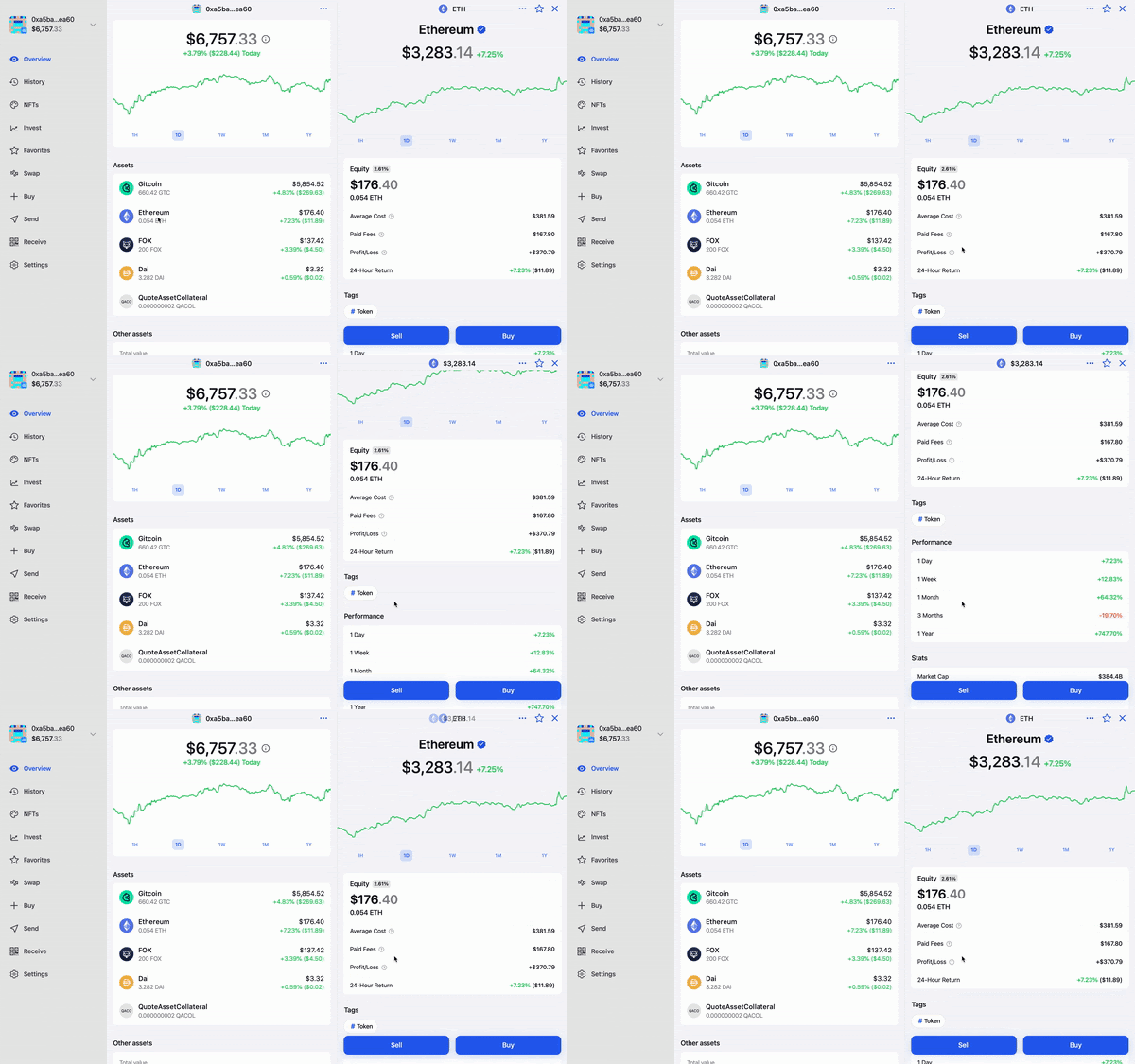
Sync your Zerion wallet data across Apple devices
If you’re like us, you probably have more than one wallet, and it can be a pain to manually add multiple Ethereum addresses every time you want to check in on your DeFi portfolio on a new device.
Zerion’s Device Sync is an easy, secure way to unify your wallets by encrypting your data to iCloud. Before you ask, Zerion doesn’t store or have access to any of your personal data stored on iCloud.
Getting Started with Zerion iCloud Sync
If you’re an Apple user, you’ll be able to securely encrypt your data to iCloud using the new iCloud Sync. This means anytime you use the Zerion iOS, macOS or iPad apps, you’ll automatically see the same wallet data for personal and watched wallets as well as Favorites lists.
- Download Zerion for iOS, macOS or iPad
- Go to settings → iCloud Sync and turn it on
Trading on Zerion macOS and iPad
To enable crypto trading on our macOS and iPad apps, simply connect any WalletConnect-compatible wallet including MetaMask, Argent or Ledger Live.
When you place a trade, you’ll receive a prompt on your wallet’s primary device (e.g, MetaMask mobile or Ledger Nano X hardware device).
Let us know what you think by chatting to us on Discord!

Written by
Vladimir ShamanovVladimir has been working full-time in blockchain and crypto since 2018. Before that, he was in financial communications. He holds a BSc in Management from the LSE.
More from Vladimir Shamanov